Additional information requests
After a merchant submits the onboarding form, Rootline may still need something more from them before it can finish its assessment. And once a merchant is verified, it may need to update its own information later. Both happen through the same link you already hold.
One link for the whole lifecycle
The onboarding_url you receive when you create the company does not change. You get it once, at create, and reuse it for everything the merchant ever needs to do: the initial onboarding, any additional-information request during assessment, and updating its information after it is verified. You never fetch a new link, the same URL always lands the merchant on the right company, whatever stage it is in.
The URL is keyed to the company:
<namespace>is your account identifier, usually your own domain, for exampleroasters.com.<company_id>is the company'sid, prefixedco_.
For example: https://onboarding.rootline.com/roasters.com/companies/co_8f3a2b1c
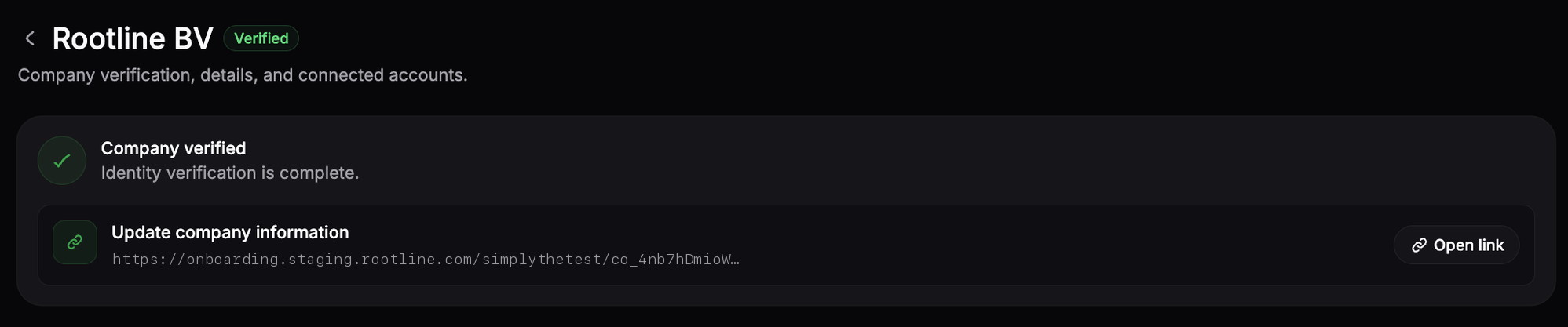
In the Rootline Dashboard the same link stays available on the company, including once it is verified, offered as an Update company information link:

Requesting more information
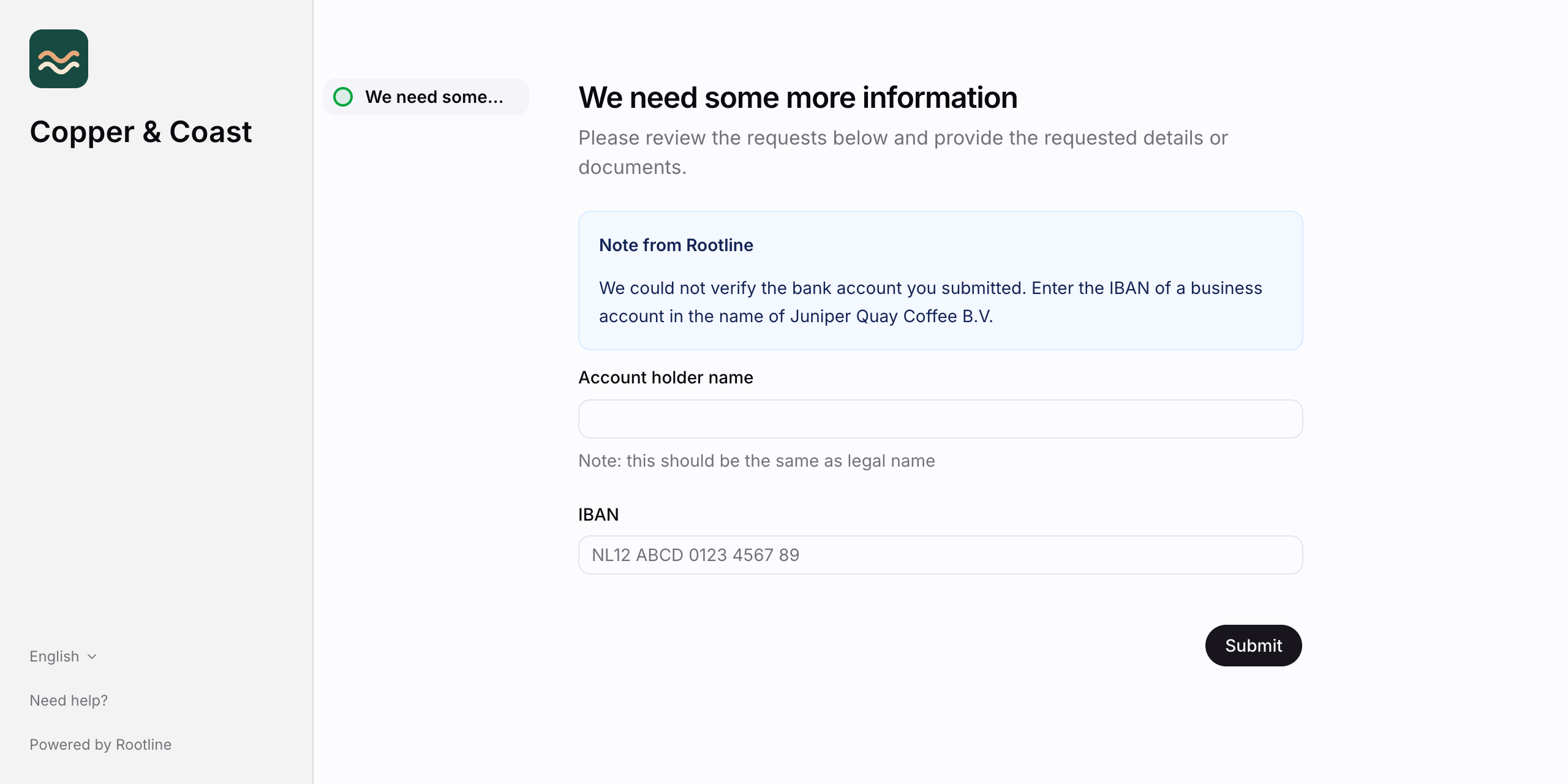
Assessment is not always a single pass. When Rootline needs something more, a document re-uploaded or a detail clarified, it asks the merchant through the link you already hold:
- Rootline sets the company's
next_actiontoprovide_information, with a free-textcommentdescribing what is needed. - The
company.next_action.updatedwebhook fires, so you can forward the link without polling. - You send the merchant to their
onboarding_url; they provide what was asked for in place. - The company returns to
await_assessmentwhile Rootline reviews it.
Updating information while verified
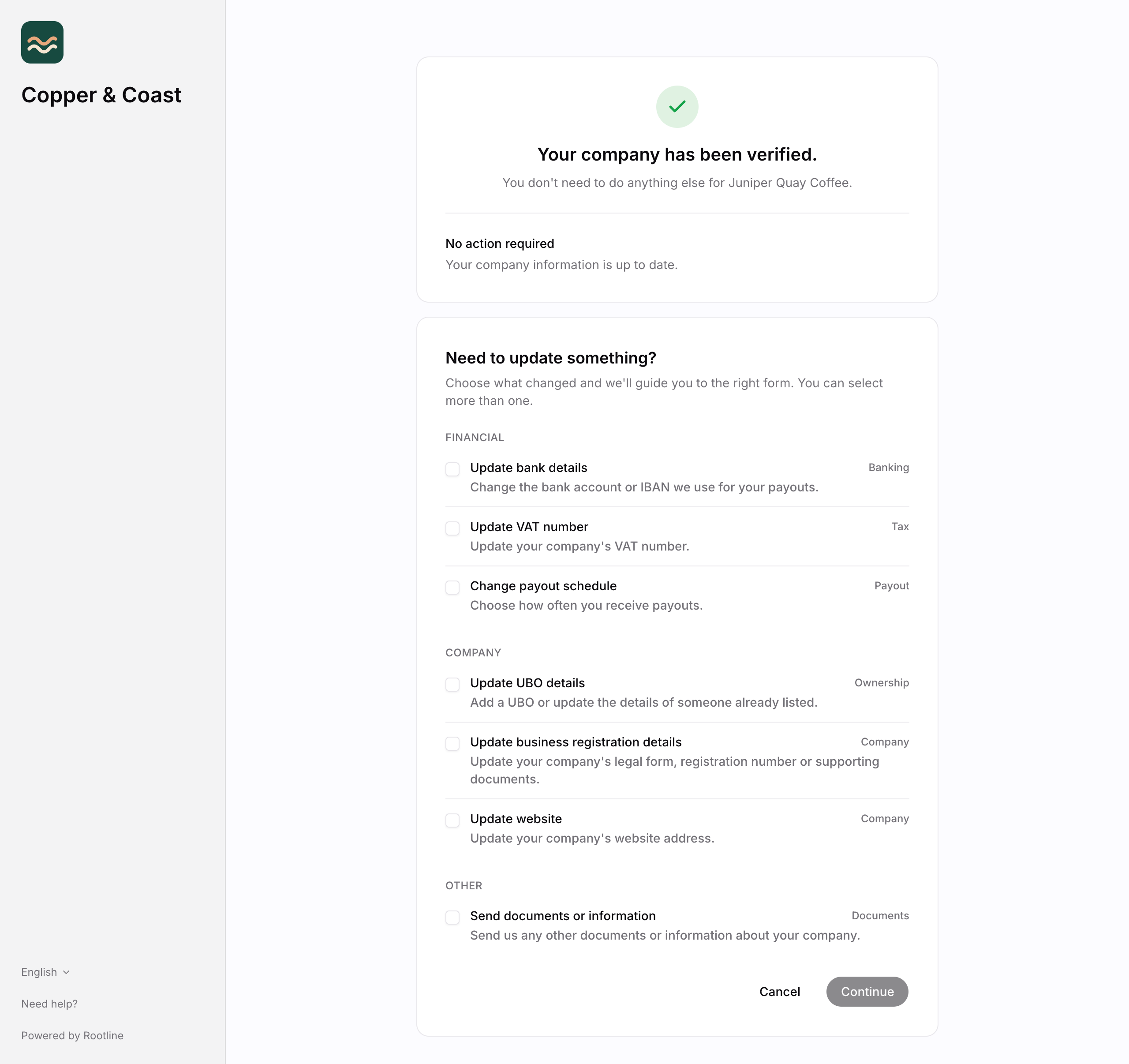
A verified company keeps the same onboarding_url for its lifetime, so the merchant can change its own details at any time. Send them to that link, and they update the information themselves.
They can update:
- Bank details (IBAN)
- VAT number
- Business registration and website
- UBO details
- Payout schedule
- Supporting documents
What happens while they do:
next_actionbriefly becomesawait_assessmentwhile Rootline reviews the change;verification_statusstaysverified.- The company keeps processing throughout, with no interruption.
- A verified company that is due for a periodic review carries
next_action: review_informationinstead.