Integration options
There is more than one way to onboard your merchants with Rootline. This page lays out the choices so you can pick the path that fits your setup, then follow Onboard a company for the mechanics.
Onboarding involves two independent decisions:
- How the company is created: through the Config API, or by hand in the Rootline Dashboard.
- How the merchant completes onboarding: on Rootline's hosted form, or embedded in your own site.
The two decisions are independent: a company created through the API can still be completed on the hosted form, and so on.
Creating a company
Through the API
You pre-create the company with POST /v1/companies and receive its id and a company-specific onboarding_url in return. This is the path to build when you onboard merchants programmatically, for example a platform signing up many sellers, because you hold the company id from the start and can drive everything from webhooks. It is the flow documented in full in Onboard a company.
In the Dashboard
If you would rather not build an integration, create the company by hand in the Rootline Dashboard. Create a new company collects the same core details as the API, the legal name, trade name, description, your reference, and the address, and returns a company with its onboarding link. This suits one-off or occasional onboarding, or staff onboarding a merchant on their behalf.
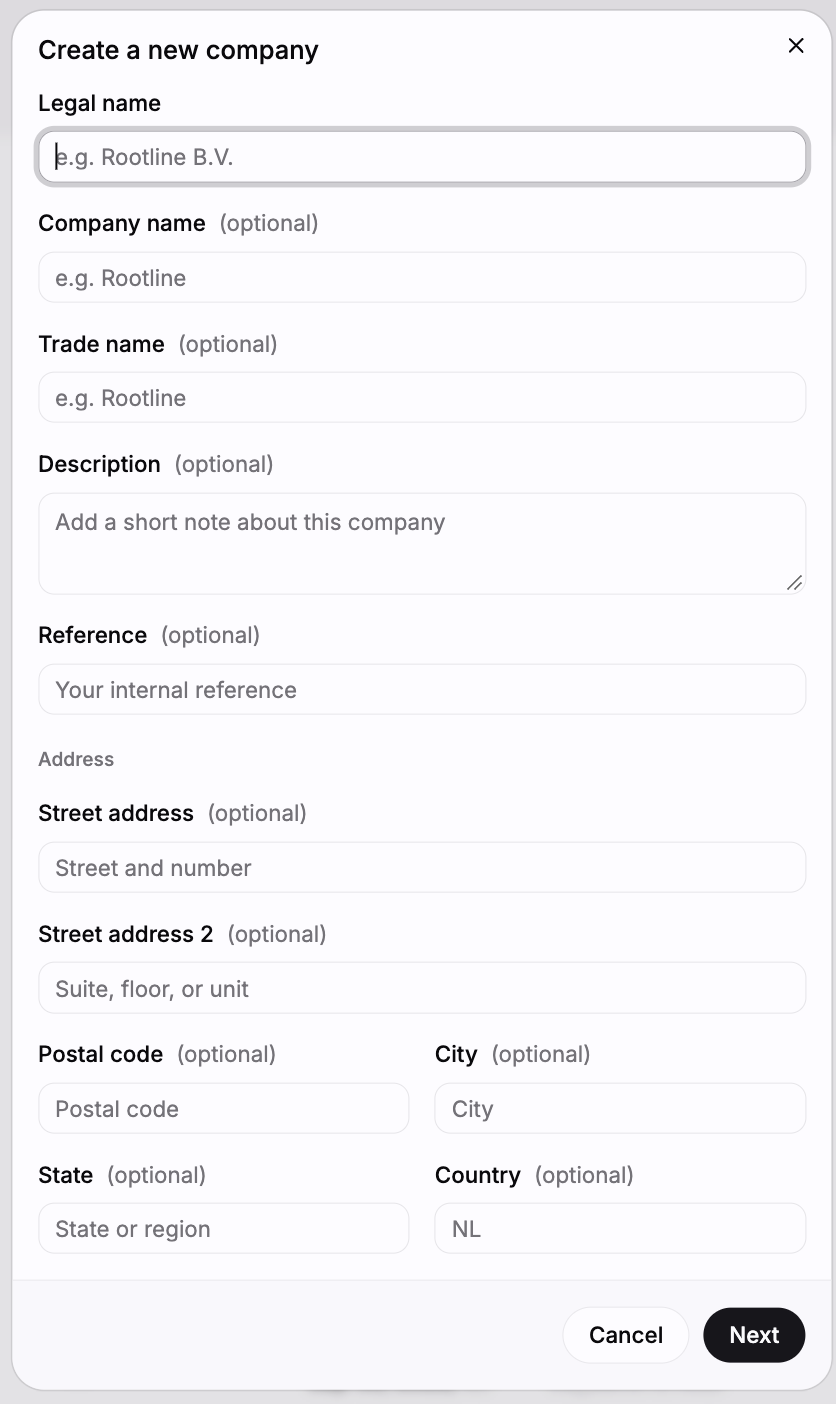
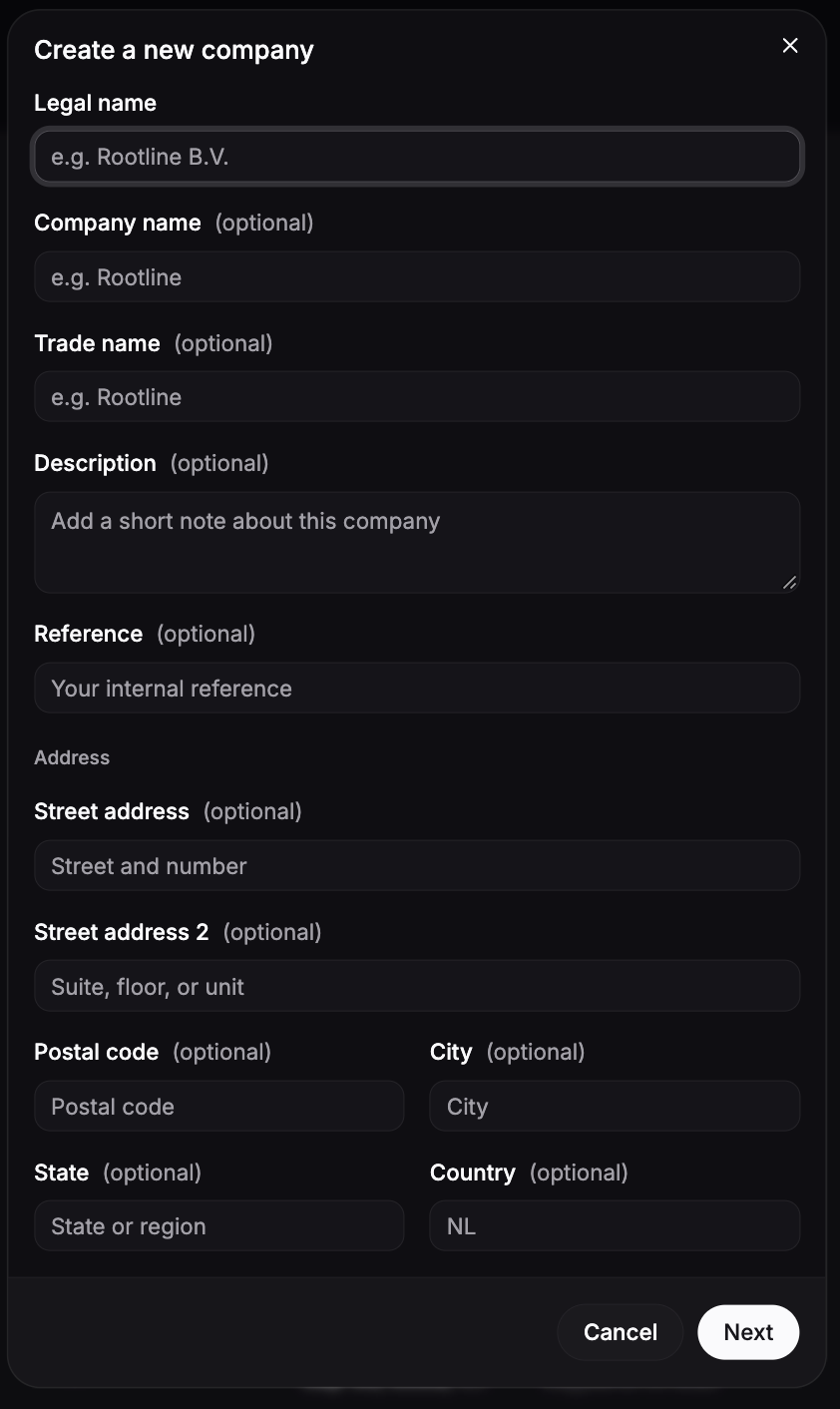
Creating a company in the Dashboard requires the company-create permission on your Dashboard user. Either way, the result is the same company object and the same onboarding link to send the merchant.
Completing onboarding
Hosted form (default)
Redirect the merchant to the company's onboarding_url. They complete the Rootline-hosted onboarding form, and, if you set form_redirect_url, land back on your own site afterwards. Nothing to host, and the form, its prefilling, and its verification checks are all maintained by Rootline. This is the flow covered in Onboard a company.
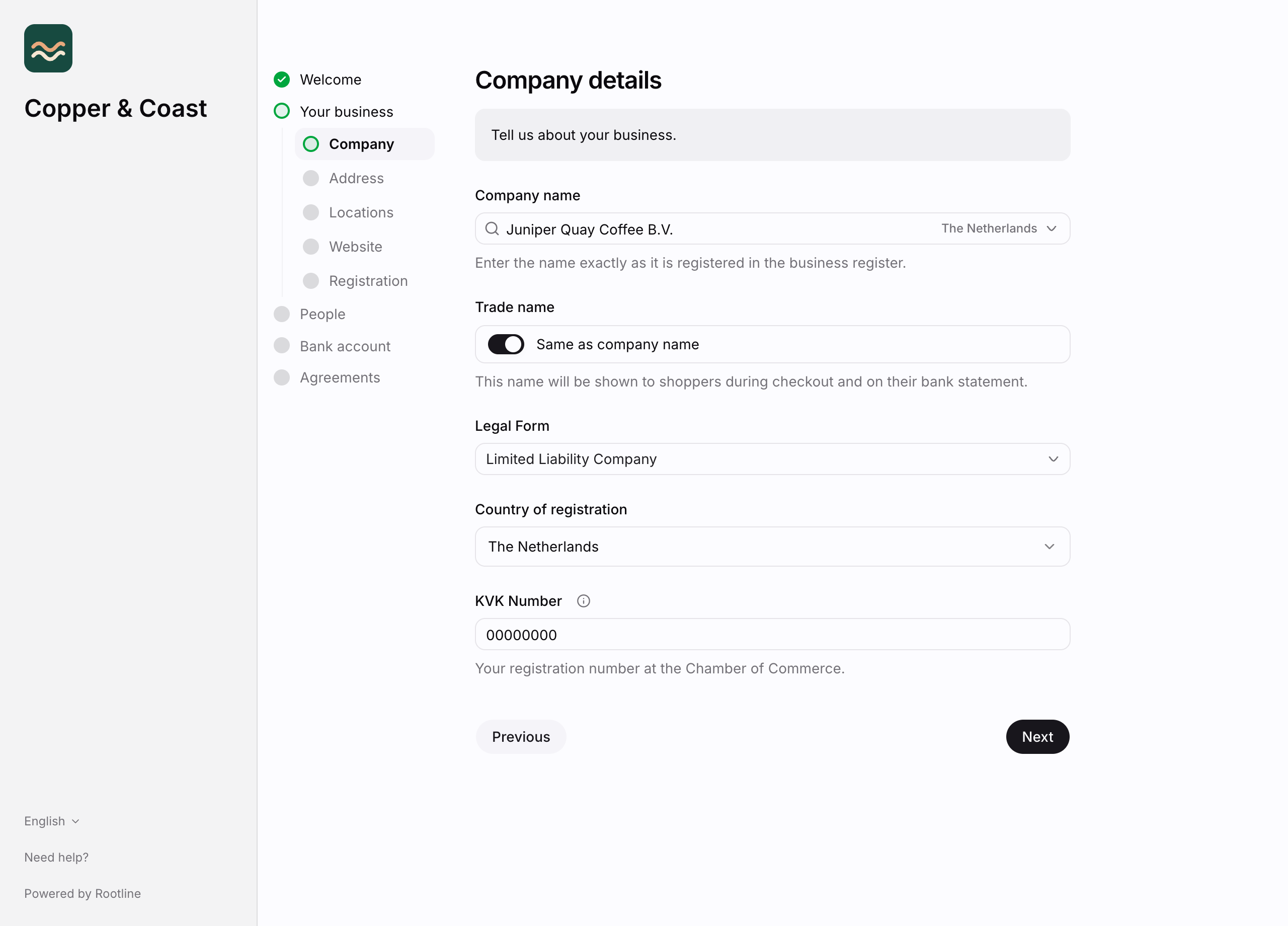
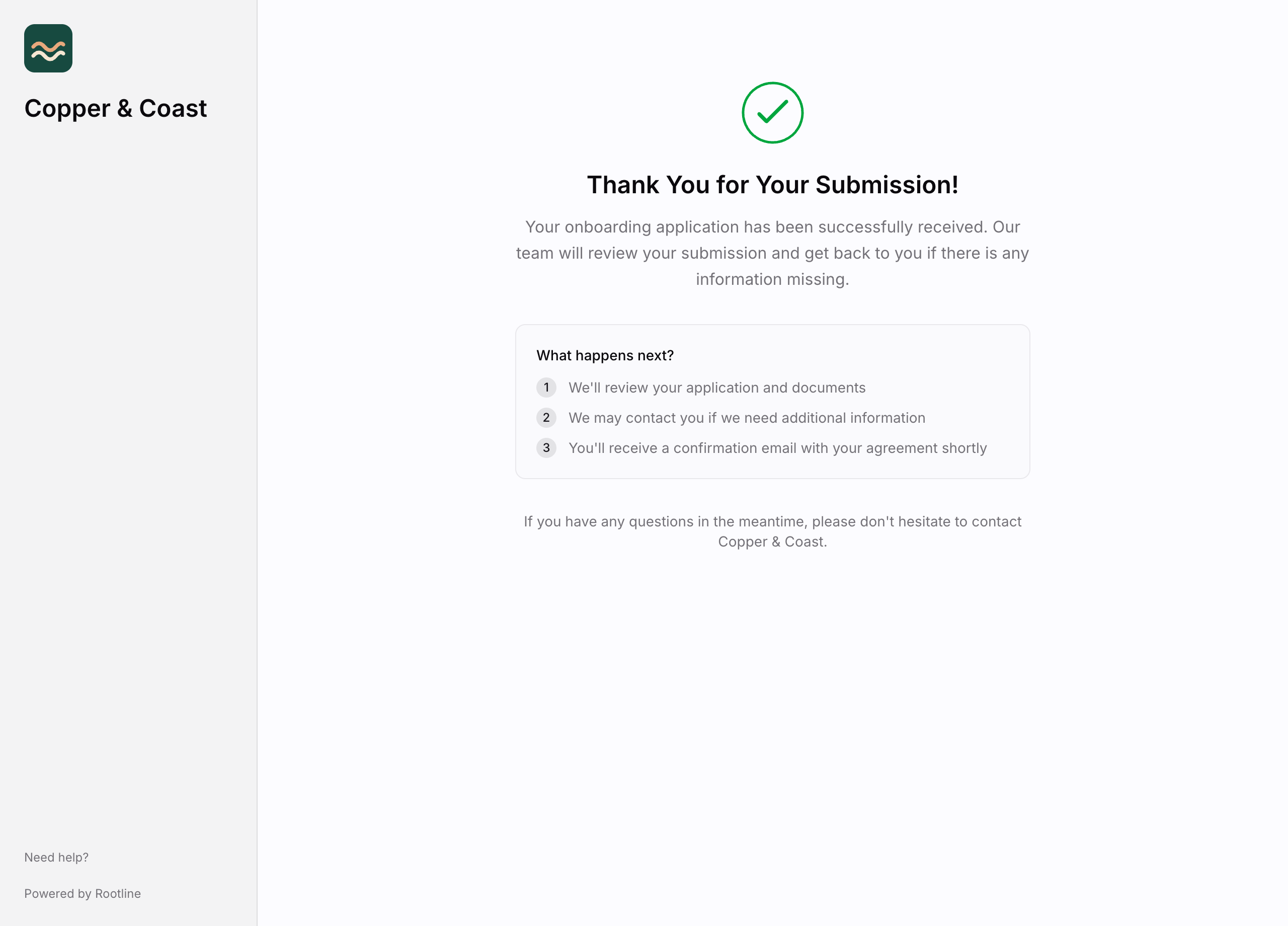
Once the merchant submits, they see a confirmation before being returned to your site:
Embedded in your site
You can also embed the onboarding form directly in your own website or dashboard with an iframe, so the merchant completes onboarding without leaving your site. Point the iframe at the company's onboarding_url. The merchant fills in the same form and handles any additional-information requests in place.
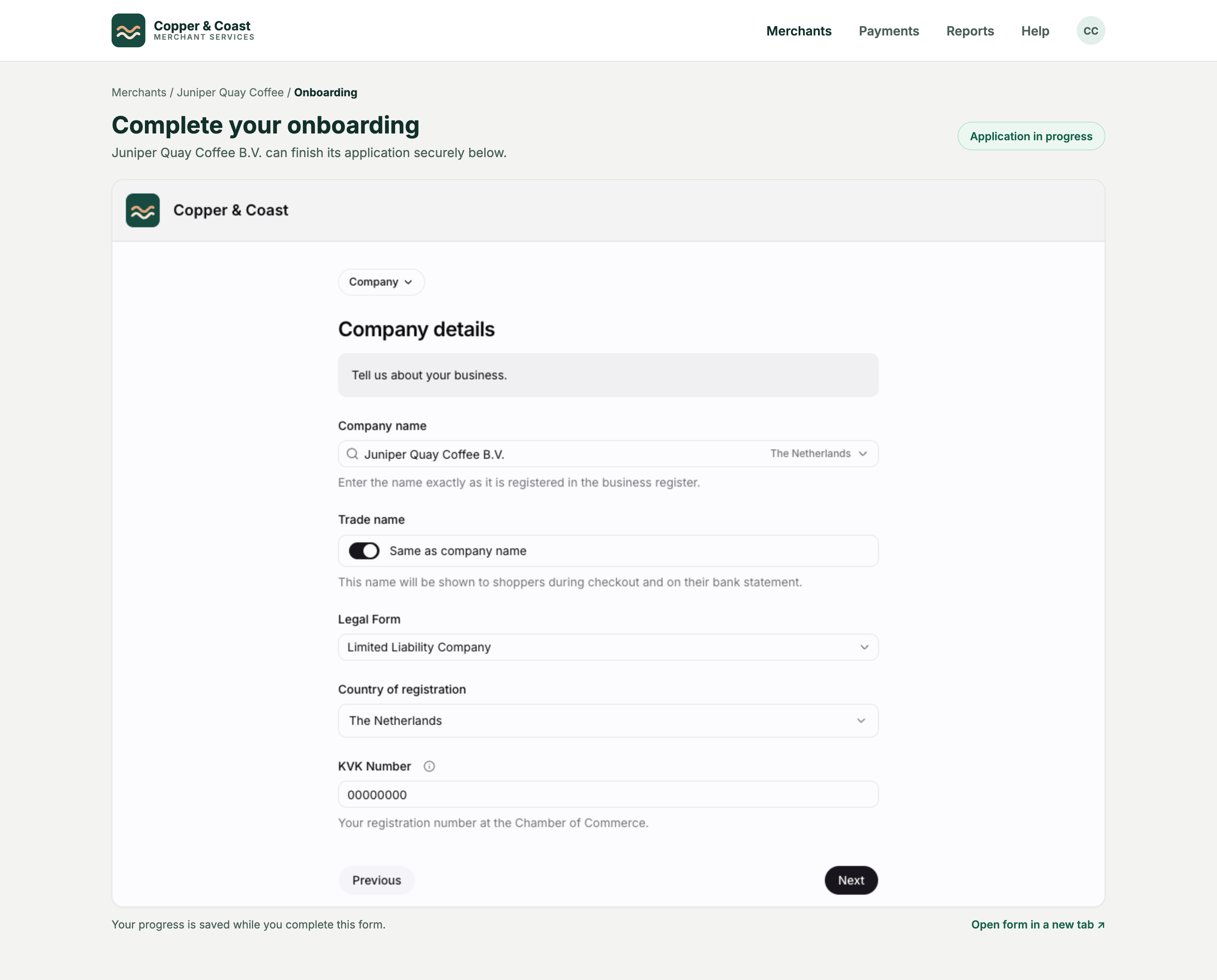
When the merchant submits the form, the embedded page posts a message to its parent window so your page can react, for example to close the iframe or advance your own flow. The message is sent to any parent window, so verify it came from the onboarding URL you embedded before acting on it:
The message carries only its type, no form data or session data.
Whether the merchant onboards on the hosted form or embedded in your site, you track progress the same way: through the company's verification_status and next_action, and the onboarding webhooks. See Additional information requests for what those signals mean.