Initiate the checkout
An easy and quick way of accepting payments is to leverage the Rootline Checkout and its pre-built UI. We handle the steps of converting a payment on your behalf.
The Payment API is your entry-point to create any payment, including those that you intend to leverage the Rootline Checkout for. Therefore, we advise you to read our Payment API guide first.
curl 'https://payment-api.staging.rootline.com/v1/payments' \
--request POST \
--header 'content-type: application/json' \
--header 'x-api-key: [paste-your-api-key]' \
--header 'rootline-version: 2024-04-23' \
--data '{
"account_id": "[platform-account-id]",
"reference": "your-reference",
"amount": {
"currency": "EUR",
"quantity": "10.00"
},
"return_url": "https://rootline.com/[PAYMENT_ID]"
}'
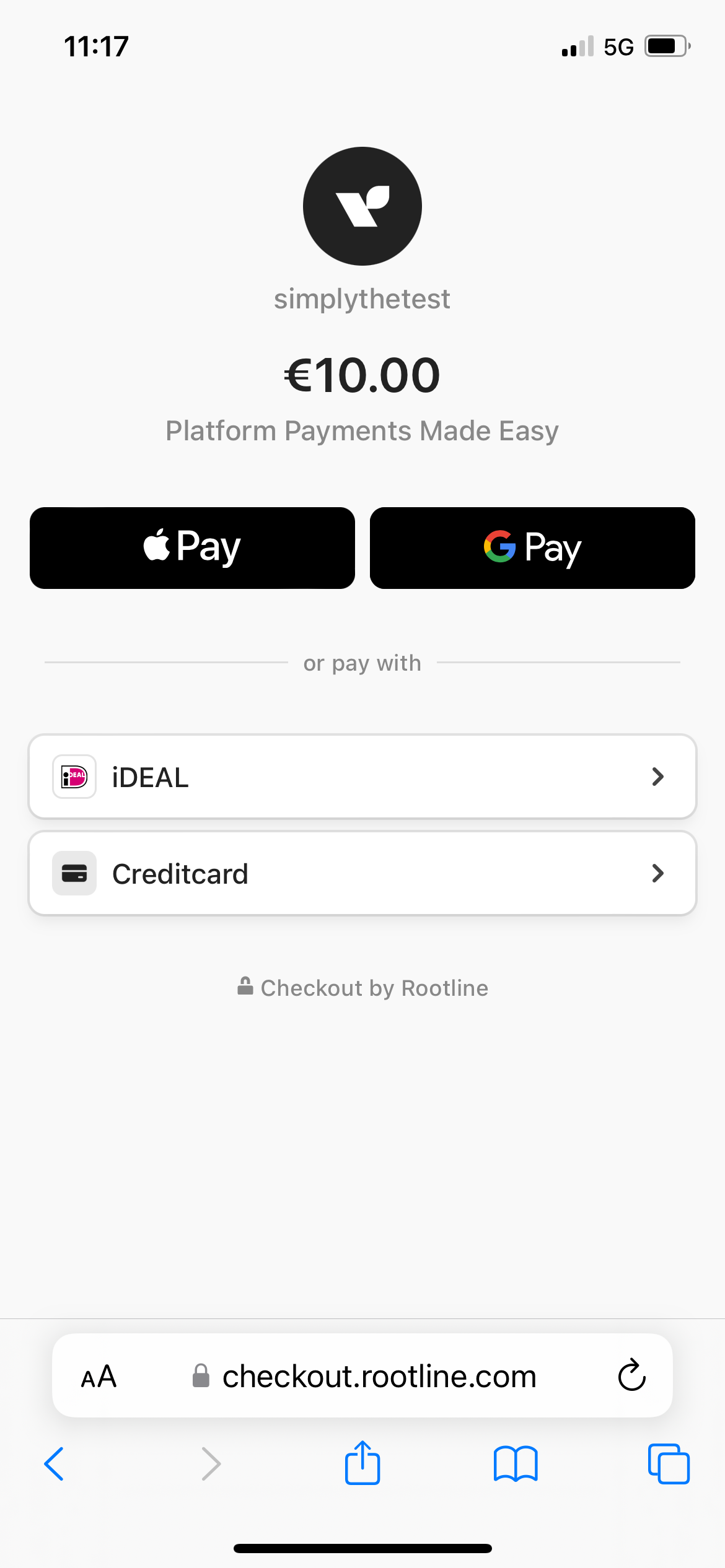
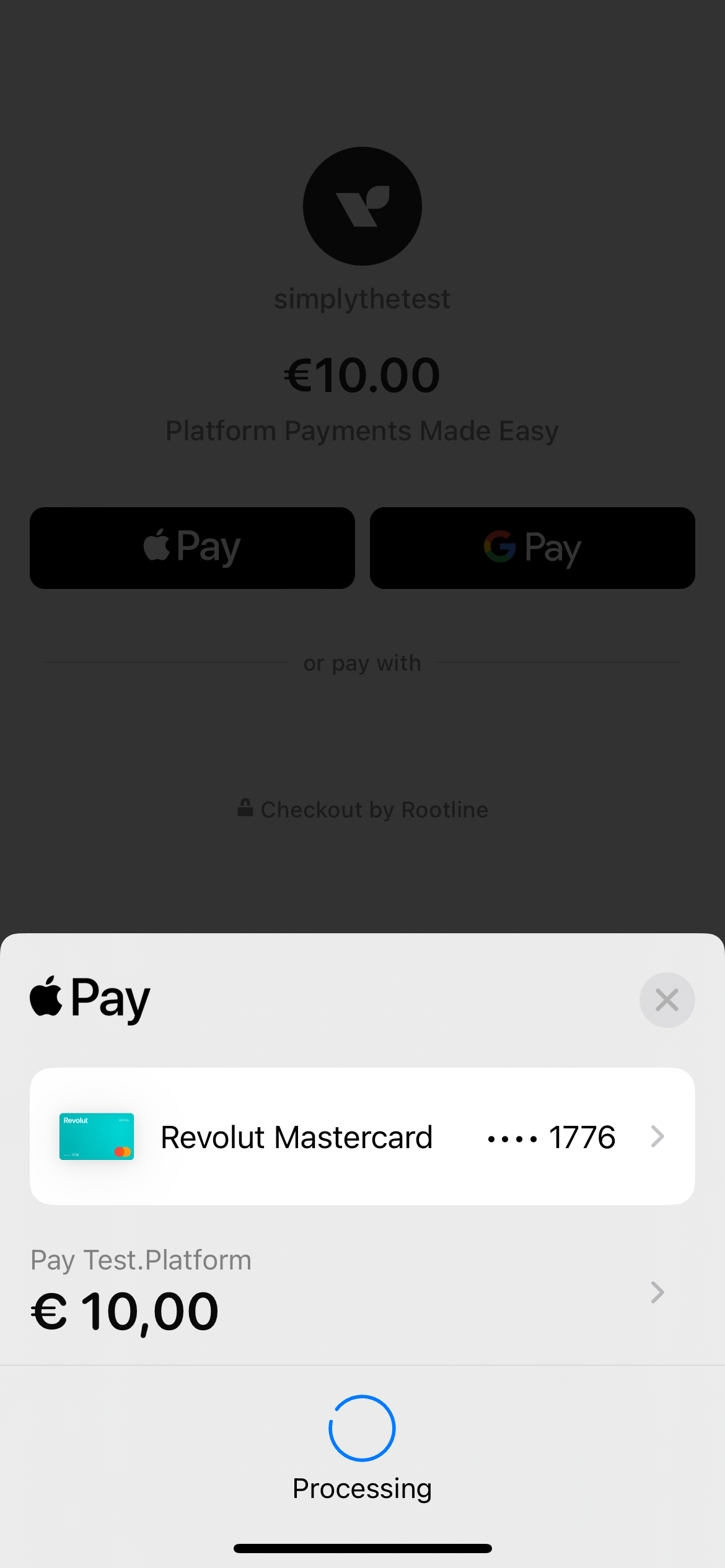
A Checkout example
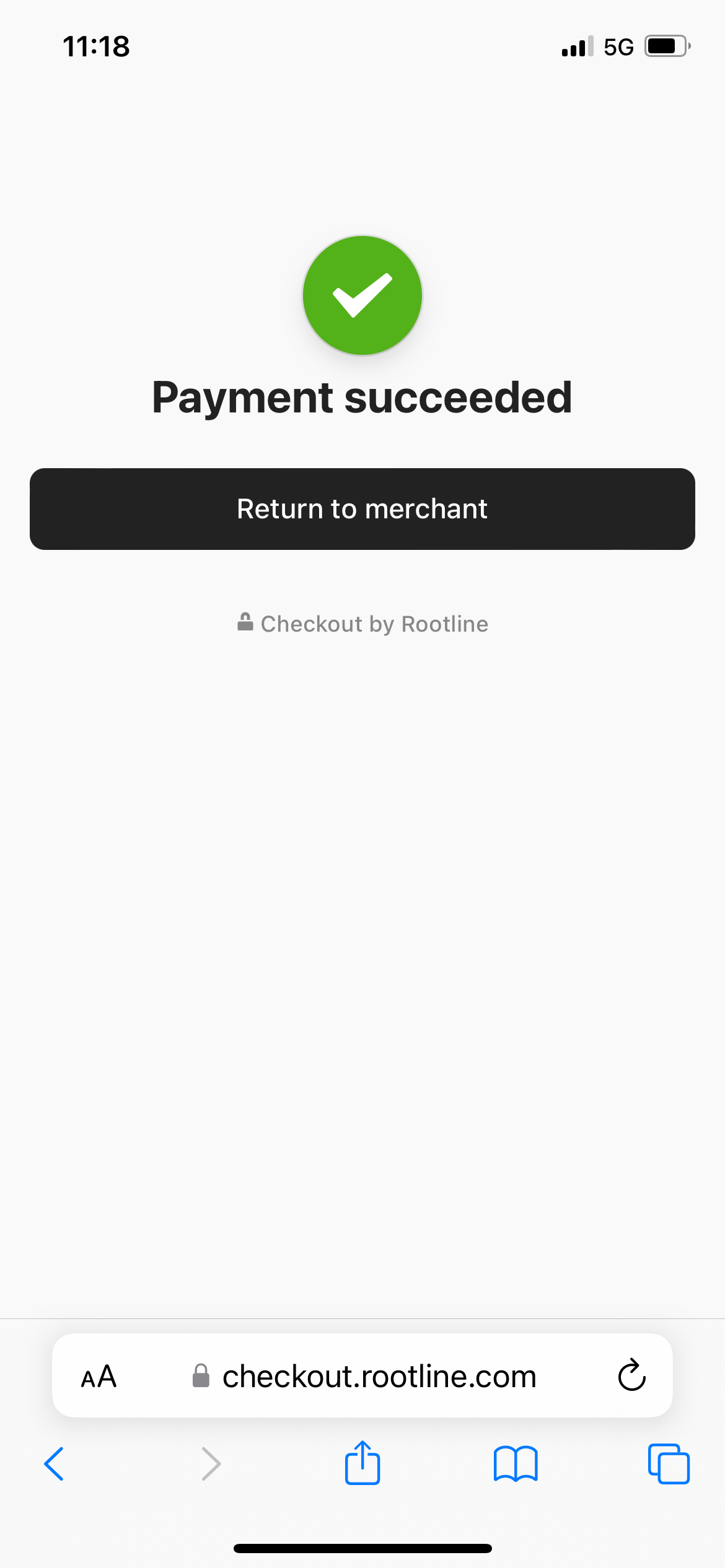
Simply redirect you customer through the checkout_url. Rootline does the heavy-lifting. When the payment is complete, Rootline redirects your customer back to your website's return_url.
Important
To confirm your customer about a successful or failed payment, retrieve the status of the payment through a GET /payments.